Programming Examples
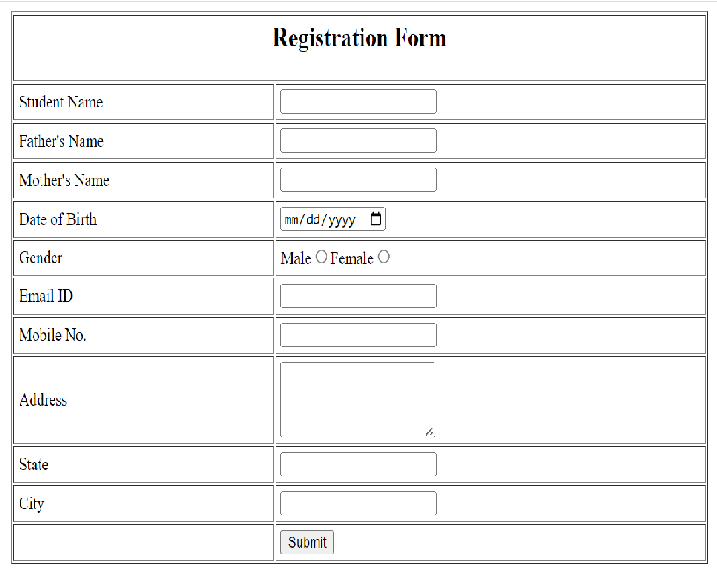
Design a HTML form for Student Registration
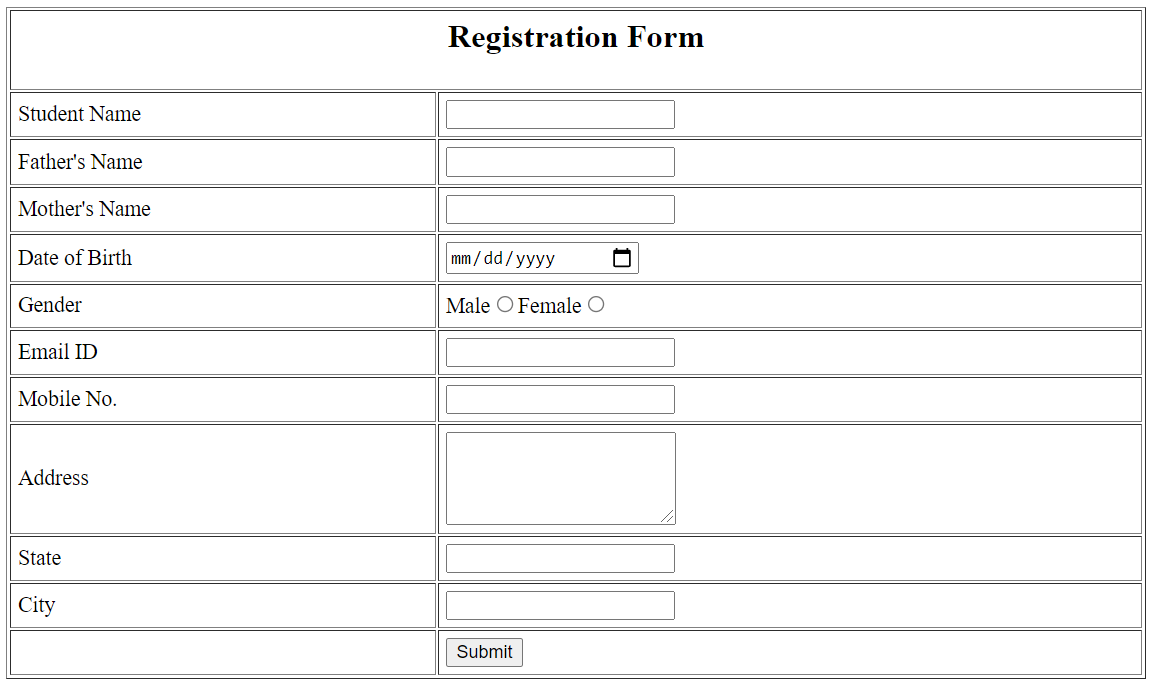
Create a Student Registration form which Accept the:
Student Name, Father's Name, Mother's Name, Date of Birth, Gender , E-mail Id and Mobile Number with Submit Button.
Solution<!doctype html>
<html>
<head>
<title>Student Registration Form</title>
</head>
<body>
<form>
<table border="1" align="center" width="60%" cellpadding="5px">
<tr>
<th colspan="2"><h2>Registration Form</h2></th>
</tr>
<tr>
<td><label>Student Name</label></td>
<td><input type="text"></td>
</tr>
<tr>
<td><label>Father's Name</label></td>
<td><input type="text"></td>
</tr>
<tr>
<td><label>Mother's Name</label></td>
<td><input type="text"></td>
</tr>
<tr>
<td><label>Date of Birth</label></td>
<td><input type="date"></td>
</tr>
<tr>
<td><label>Gender</label></td>
<td><label>Male</label><input type="radio" name="gender"><label>Female</label><input name="gender" type="radio"></td>
</tr>
<tr>
<td><label>Email ID</label></td>
<td><input type="email"></td>
</tr>
<tr>
<td><label>Mobile No.</label></td>
<td><input type="text"></td>
</tr>
<tr>
<td><label>Address</label></td>
<td><textarea rows="4"></textarea></td>
</tr>
<tr>
<td><label>State</label></td>
<td><input type="text"></td>
</tr>
<tr>
<td><label>City</label></td>
<td><input type="text"></td>
</tr>
<tr>
<td></td>
<td>
<input type="button" value="Submit"/>
</td>
</tr>
</table>
</form>
</body>
</html>Output