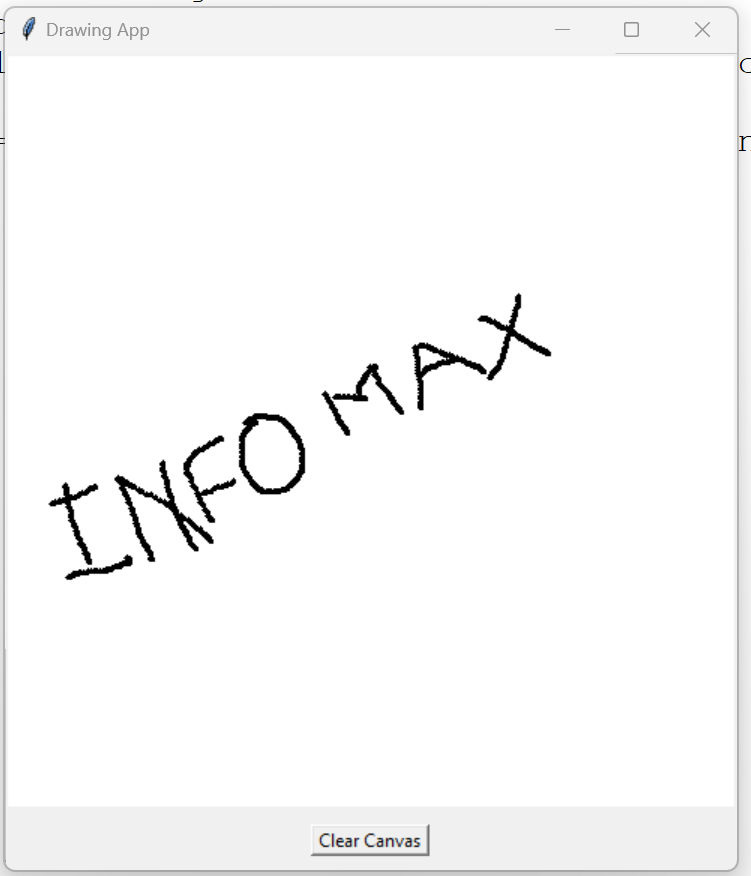
Solution
import tkinter as tk

class DrawingApp:
    def __init__(self, root):
        self.root = root
        self.root.title("Drawing App")

        self.canvas = tk.Canvas(root, bg="white", width=500, height=500)
        self.canvas.pack(expand=tk.YES, fill=tk.BOTH)

        self.canvas.bind("<B1-Motion>", self.paint)

        clear_button = tk.Button(root, text="Clear Canvas", command=self.clear_canvas)
        clear_button.pack(side=tk.BOTTOM, pady=10)

    def paint(self, event):
        x1, y1 = (event.x - 1), (event.y - 1)
        x2, y2 = (event.x + 1), (event.y + 1)
        self.canvas.create_oval(x1, y1, x2, y2, fill="black", width=2)

    def clear_canvas(self):
        self.canvas.delete("all")

# Create the main window
root = tk.Tk()

# Create the DrawingApp instance
drawing_app = DrawingApp(root)

# Start the Tkinter event loop
root.mainloop()